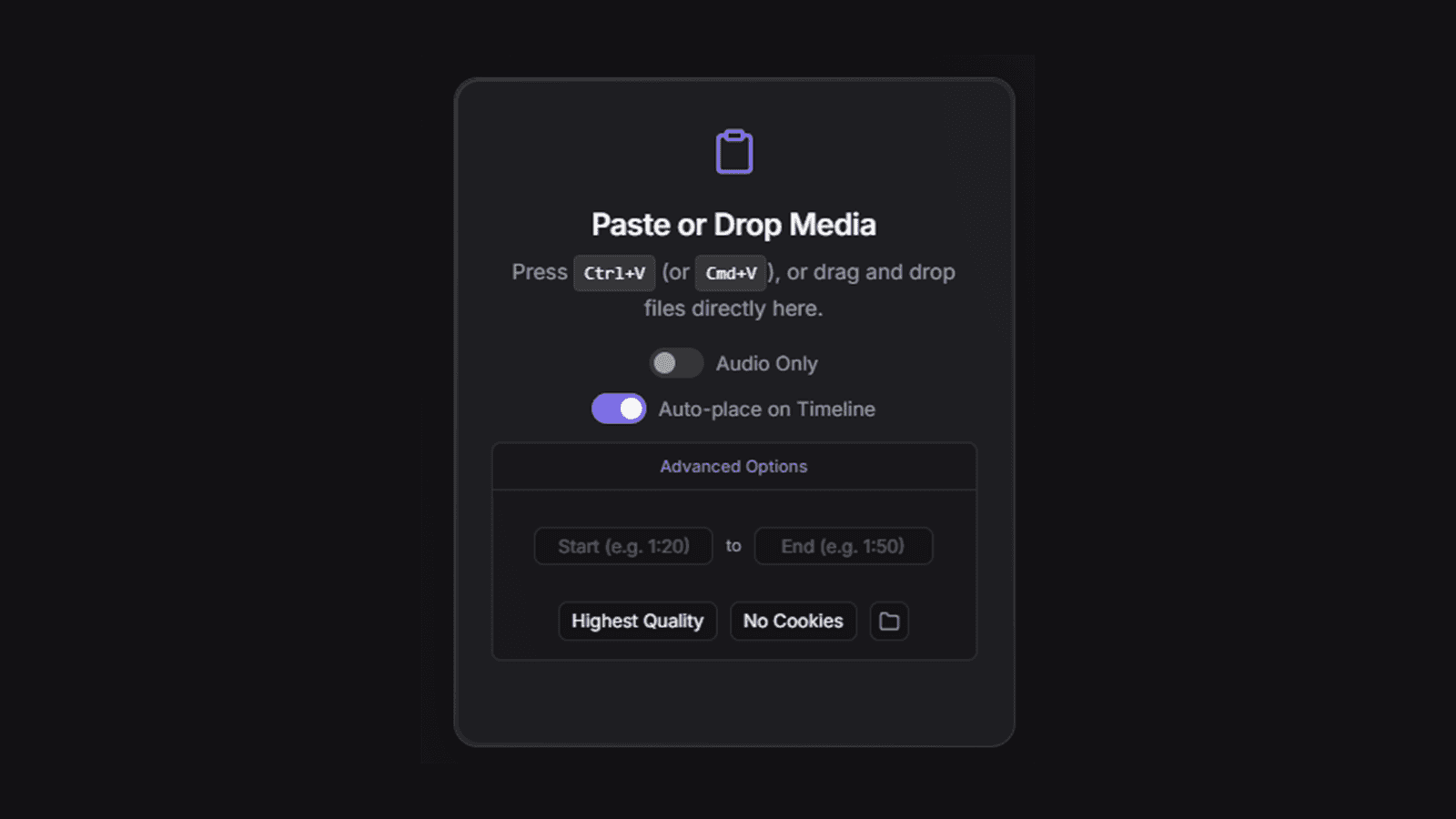
Paste anything. Straight to the timeline.
Getting media into Premiere Pro is death by a thousand clicks: download, locate, import, drag to the timeline. Toothpaste collapses all of it into a paste. It's a CEP 11 extension for Premiere Pro 15+ and After Effects 18+ — hit Ctrl+V in the panel and your media lands at the playhead.
What it does
- Paste or drag anything — images, file paths, or URLs, with batch drag-and-drop from Explorer/Finder.
- URL downloads — paste a YouTube, TikTok, X/Twitter, Reddit, or Pinterest link and it auto-downloads and imports via yt-dlp, with quality selection and time-range clipping to grab just a segment.
- Timeline-ready — imported media auto-places at the playhead; GIFs and WebPs are converted to MP4 via FFmpeg so they just work.
- Editor conveniences — audio-only MP3 extraction, browser-cookie support for restricted content, and a recent-history panel for instant re-use.
Distribution
Ships as a pre-built .zxp on GitHub Releases — no Node.js, no build steps, just install and go. The repo also doubles as a clean, documented template for anyone building their own Adobe CEP extension.